

Overview
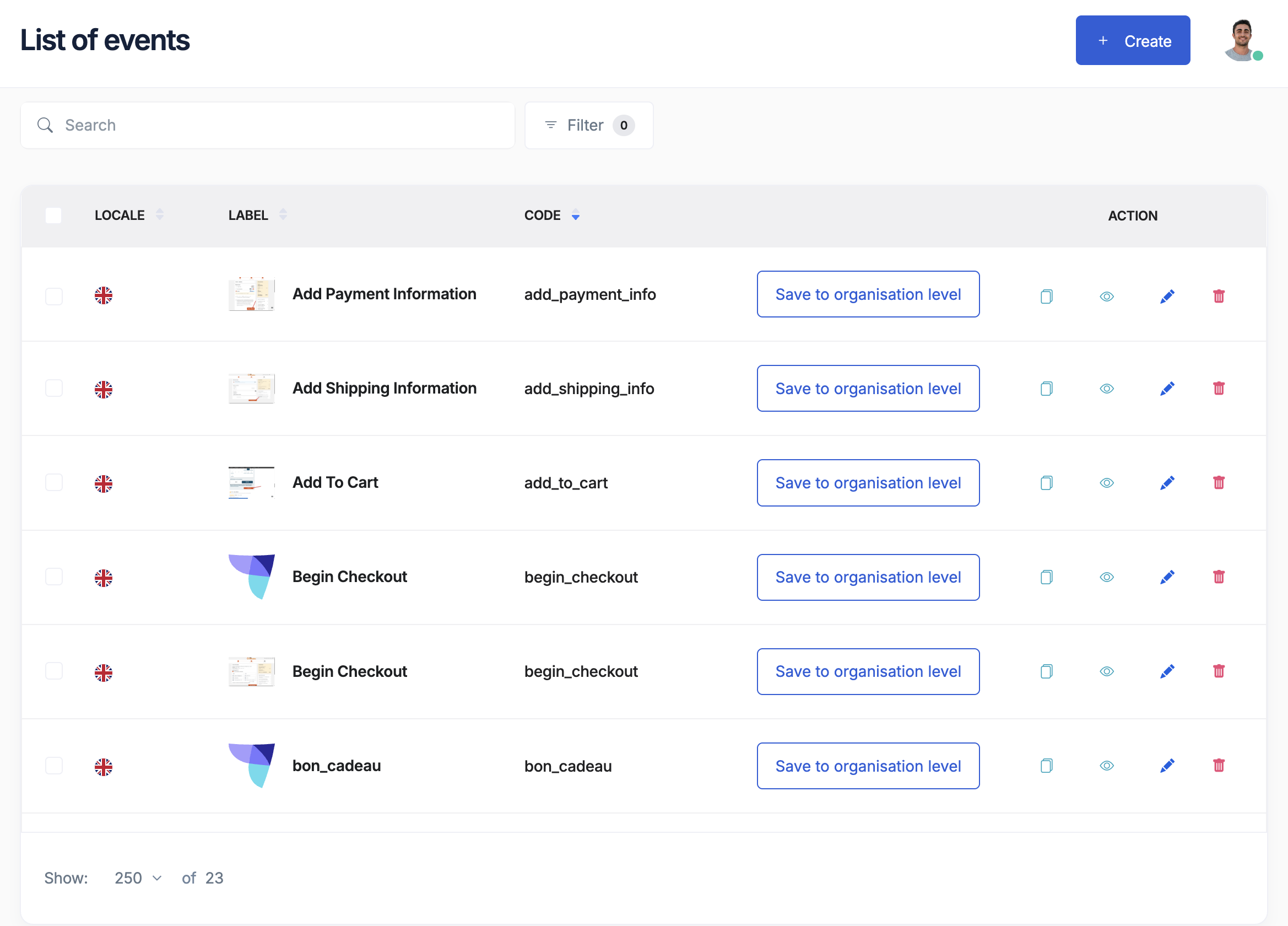
The Event Library is like a recipe book for your tracking. Instead of creating the same tracking events over and over, you can save them as templates and reuse them across all your websites and projects.Think of the Event Library as your company’s tracking standards - ensuring everyone tracks things the same way.
Why use an event library?
The problem it solves
Without a library:- Each team tracks differently
- Same events have different names
- Data doesn’t match across sites
- Updates are time-consuming
- Quality varies widely
- Everyone uses the same templates
- Consistent naming everywhere
- Data matches perfectly
- Update once, apply everywhere
- Proven quality standards
How the library works
Two levels of libraries
- Company library
- Project library
Shared across everything
- Standards for the whole company
- Core events everyone uses
- Approved by leadership
- Managed centrally
Creating library templates
What’s in a template?
Each event template includes:-
Basic information
- Event name (like “product_viewed”)
- Friendly name (like “Product Page View”)
- Description of when it fires
- Category (E-commerce, User, Content, etc.)
-
Required data
- What information must be collected
- Rules for each piece of data
- Examples of correct values
-
Documentation
- When to use this event
- Implementation notes
- Sample data
- Common mistakes to avoid
Building your first template
1
Choose an important event
Start with something critical like purchases or signups
2
Define the basics
- Name it clearly (product_viewed)
- Describe when it happens
- Pick a category
3
List required information
What data is essential?
- Product ID
- Product name
- Price
- Category
4
Add helpful details
- Examples of good data
- Common errors to avoid
- Business purpose
5
Save to library
Choose company-wide or project-specific
Common library templates
E-commerce templates
Shopping events
- Product viewed
- Added to cart
- Checkout started
- Purchase completed
- Product reviewed
Browse events
- Search performed
- Category viewed
- Filter applied
- Sort changed
- Results clicked
Content templates
Engagement events
- Article read
- Video watched
- Content shared
- Comment posted
- Rating given
Navigation events
- Page viewed
- Menu clicked
- Tab switched
- Section scrolled
- Link followed
User templates
Account events
- User registered
- Login completed
- Profile updated
- Password changed
- Account deleted
Preference events
- Settings changed
- Notifications updated
- Language selected
- Theme switched
- Consent given
Using library templates
In your tracking plan
1
Browse the library
See what templates are available
2
Select templates
Choose the ones you need
3
Import to your plan
Add them with one click
4
Customize if needed
Adjust for your specific needs
Benefits of using templates
Saves time- No need to reinvent the wheel
- Proven templates ready to use
- Faster implementation
- Best practices built in
- Common errors avoided
- Consistent data structure
- Update template once
- Changes apply everywhere
- Version tracking included
Managing your library
Organization tips
Group by purpose- E-commerce events together
- User events together
- Marketing events together
- Technical events together
- Use descriptive names
- Follow naming conventions
- Include version numbers
- Add helpful prefixes
- Why this event exists
- When to use it
- What data it needs
- Example implementations
Template lifecycle
1
Draft stage
Template created but not approved
2
Active stage
Approved and ready for use
3
Updated stage
New version available
4
Retired stage
No longer recommended
Best practices
Do’s
✅ Start simple- Begin with core events
- Add complexity gradually
- Test thoroughly
- Get feedback
- Use standard naming
- Follow the same structure
- Apply uniformly
- Document clearly
- Plan for growth
- Consider variations
- Allow flexibility
- Version properly
Don’ts
❌ Avoid these mistakes- Creating too many templates
- Making them too complex
- Skipping documentation
- Not getting buy-in
- Ignoring feedback
Working with your team
Marketing’s role
- Define business needs
- Review template names
- Approve event purposes
- Ensure completeness
Developer’s role
- Implement templates correctly
- Suggest technical improvements
- Report implementation issues
- Maintain consistency
Analytics team’s role
- Create initial templates
- Update based on needs
- Monitor usage
- Train others
Industry templates
Available starting points
Tag Insight provides pre-built templates for:Online retail
Standard e-commerce events based on industry best practices
Media sites
Content engagement tracking for publishers
SaaS products
User behavior and feature usage tracking
Lead generation
Form submissions and conversion tracking
Customizing templates
Start with industry templates, then:- Review what’s included
- Remove what you don’t need
- Add your specific events
- Adjust naming to match your style
- Test with real scenarios
Common questions
Who should manage the library?
Who should manage the library?
Typically a shared responsibility:
- Analytics team creates templates
- Marketing reviews and approves
- Developers implement
- All teams provide feedback
How many templates do we need?
How many templates do we need?
Start with 10-20 core events. Most businesses need:
- 5-10 user events
- 5-10 commerce events
- 5-10 content events
- Some custom events
Can we change templates later?
Can we change templates later?
Yes, but carefully:
- Version your changes
- Communicate updates
- Test thoroughly
- Update gradually
Should everything be a template?
Should everything be a template?
No. Create templates for:
- Frequently used events
- Critical business events
- Cross-team events Skip one-off or experimental events
Getting started checklist
Before building your library:- List your most important events
- Review current tracking
- Identify common patterns
- Get team alignment
- Plan governance process
- Start with 5-10 templates
- Test thoroughly
- Document everything
Next steps
Create tracking plan
Use templates in your plan
Import existing events
Turn current tracking into templates
Configure variables
Set up data rules
Best practices
Event design guide