

Overview
Before diving into Tag Insight, it’s important to understand the core concepts that make our platform unique and powerful.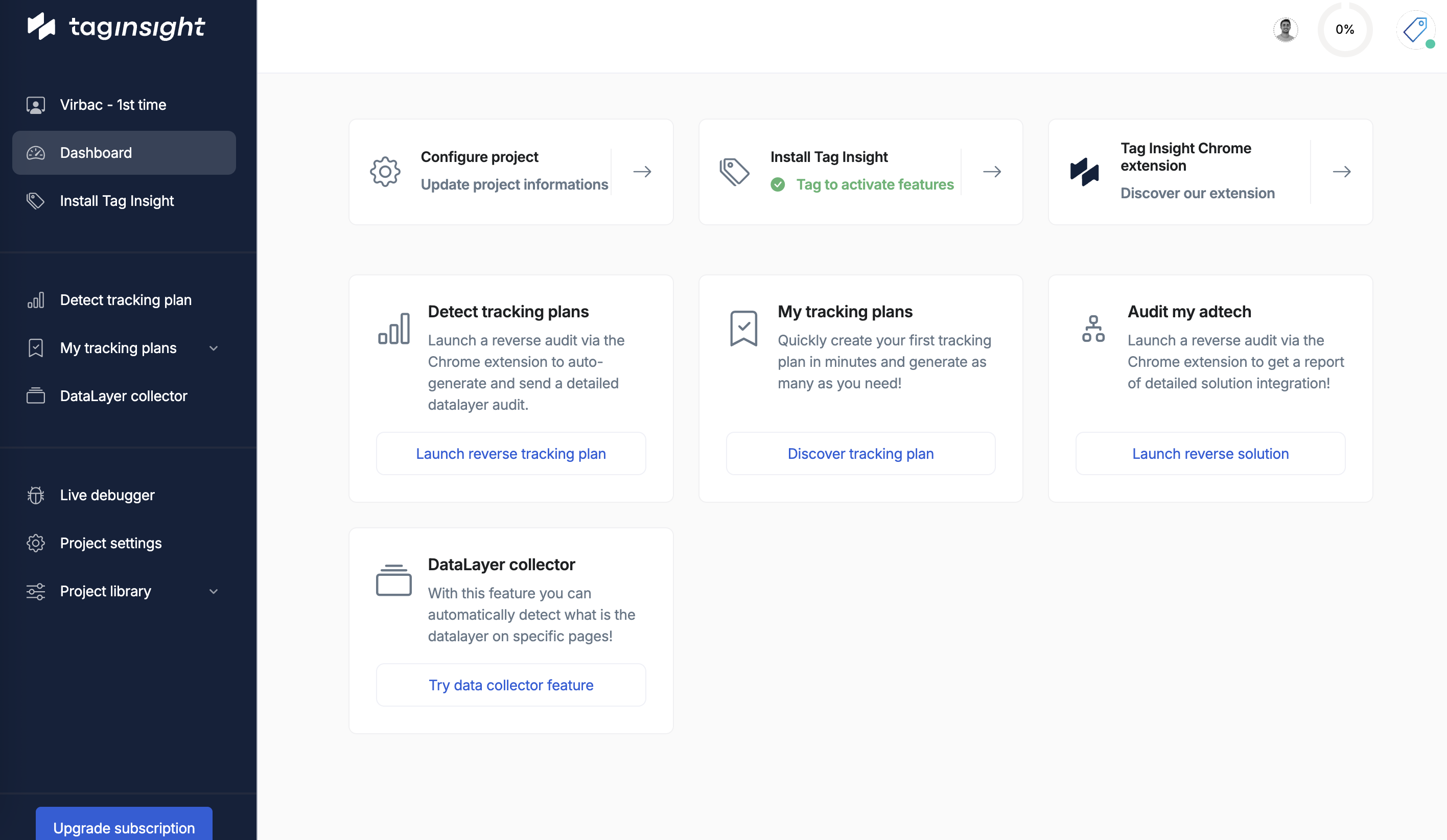
Key differentiators
Real user traffic vs. robots
Unlike traditional monitoring solutions that use robots or crawlers, Tag Insight uses actual user traffic to monitor your tracking implementation.
- Requires complex scenario setup
- Limited coverage of user journeys
- Can’t test all edge cases
- Time-consuming configuration
- Monitors all user interactions automatically
- Covers every possible user journey
- Detects issues in real-world scenarios
- Zero configuration for user paths
Core components
1. Organizations
An organization is the top-level container in Tag Insight. It represents your company or business unit.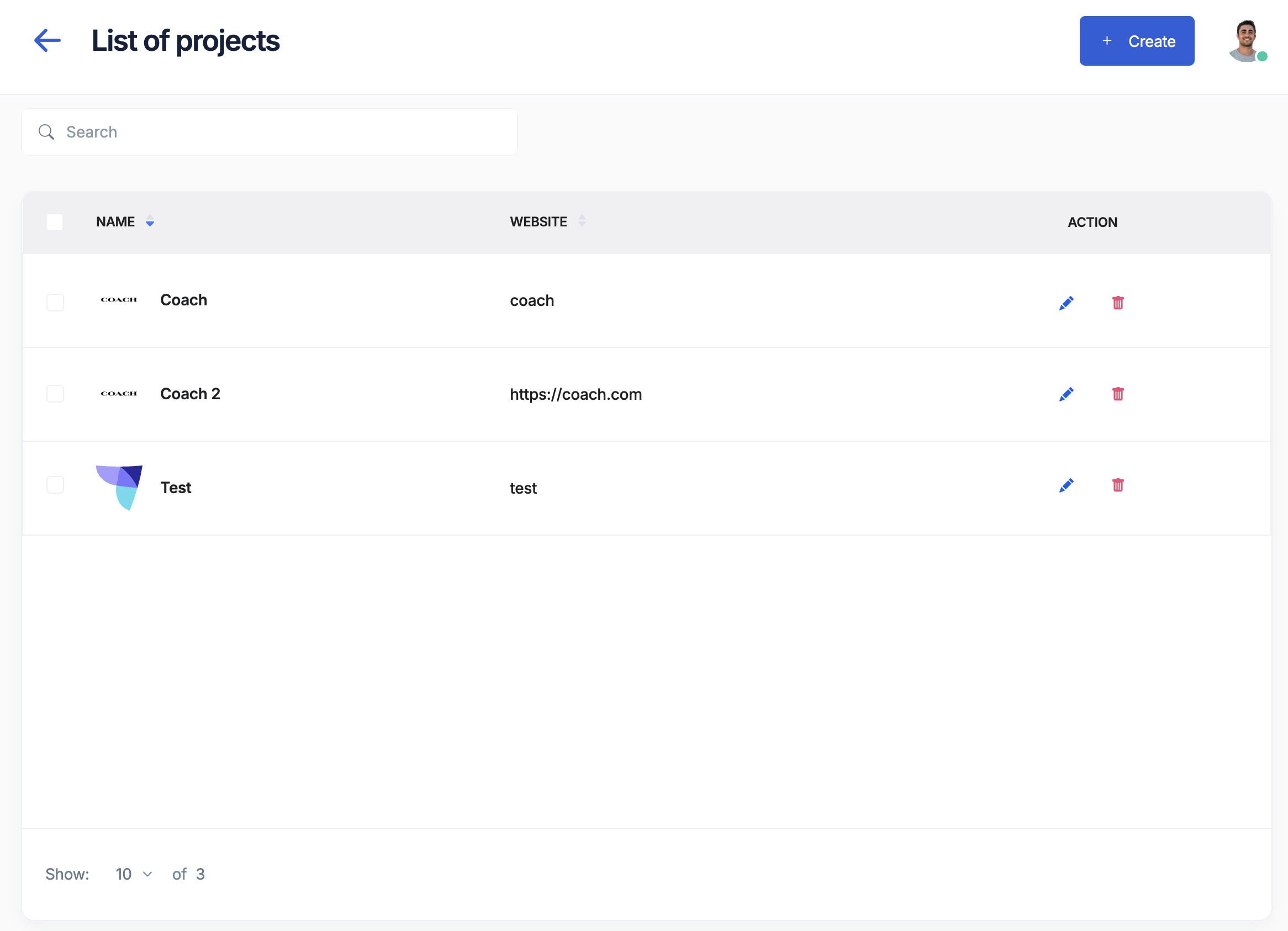
- Centralized user management
- Shared event libraries
- Cross-project governance
- Unified billing
2. Projects
Projects represent individual tracking implementations, typically corresponding to:- Different websites or applications
- Separate environments (staging, production)
- Distinct brands or business units
Remember: One project = One pixel = One tracking implementation
3. Tracking Plans
A tracking plan is your source of truth for what data should be collected. It defines: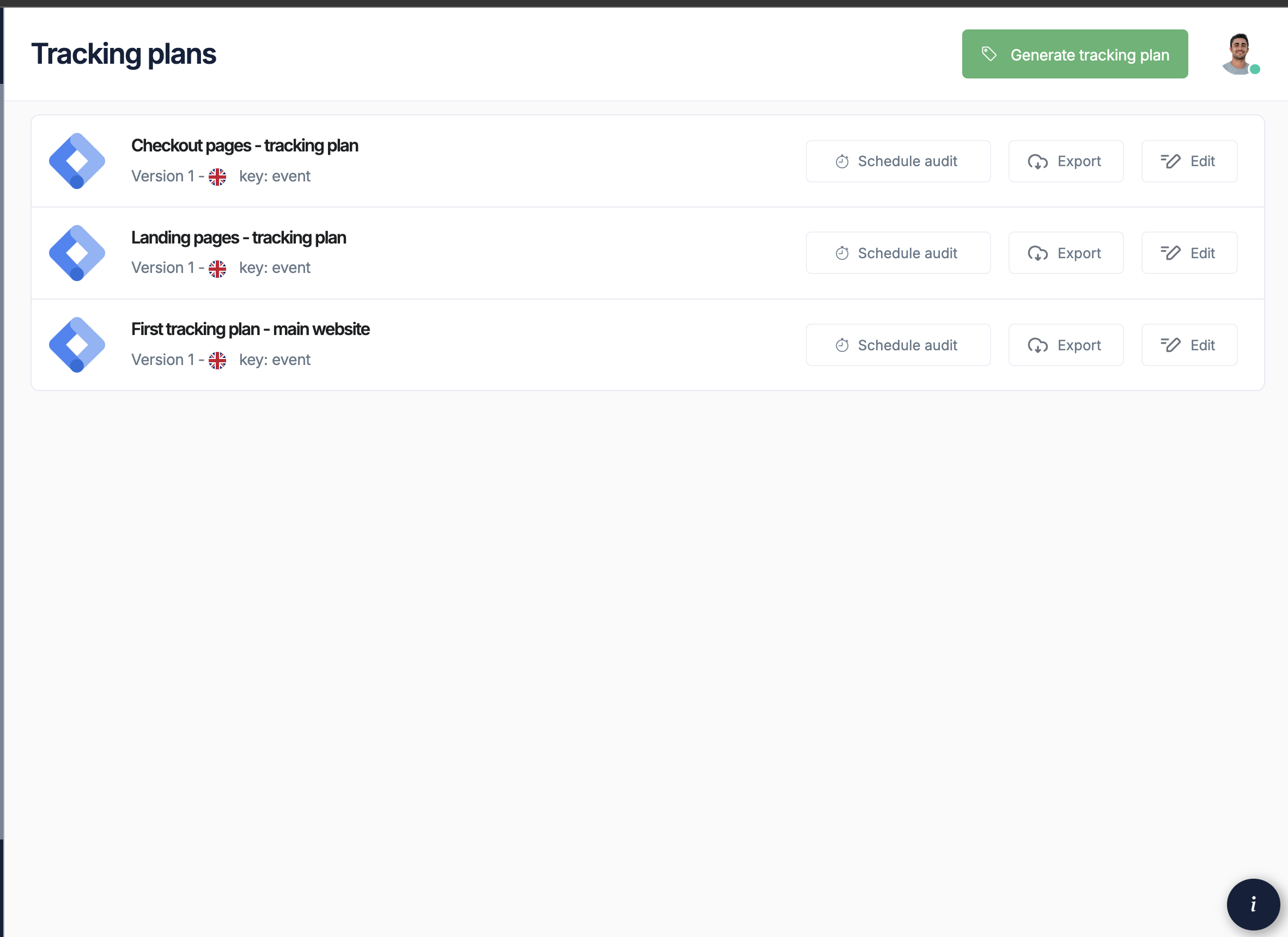
- Events: User interactions to track (page views, clicks, purchases)
- Variables: Data points within each event
- Validation Rules: Expected data types and values
- Requirements: Whether variables are required or optional
4. The Tag Insight Pixel
The pixel is a lightweight JavaScript tag that:- Observes data layer changes in real-time
- Captures all tracking events
- Sends data to Tag Insight for analysis
- Has zero impact on site performance
5. Audits
Audits are automated tests that compare your actual tracking implementation against your tracking plan. Audit Types:- Scheduled Audits: Run at specific times (hourly, daily, weekly)
- Continuous Audits: Real-time monitoring of all traffic
- On-Demand Audits: Manual triggers for testing
- Missing variables
- Incorrect data types
- Empty values
- Malformed data structures
- Unexpected changes
6. Alerts
Alerts notify you when audits detect issues:- Email Notifications: Instant alerts to your team
- Severity Levels: Critical, warning, or informational
- Smart Grouping: Similar issues grouped together
- Actionable Reports: Direct links to affected pages
Data Layer Concepts
Understanding data layers
A data layer is a JavaScript object that contains all the tracking information about a page or user interaction.Variable types
Tag Insight supports all standard data types:- String
- Number
- Boolean
- Object
- Array
Text values like product names, page titles, or user IDs
Workflow overview
1
Define your tracking plan
Create or import your tracking plan to establish what should be tracked
2
Install the pixel
Add the Tag Insight pixel to start collecting data
3
Configure monitoring
Set up audits and alerts based on your needs
4
Receive alerts
Get notified immediately when tracking issues occur
5
Fix issues
Use detailed reports to quickly identify and resolve problems
Privacy and compliance
Tag Insight is designed with privacy in mind:- No Cookies: The pixel doesn’t use cookies
- No PII Collection: Personal data is anonymized
- Consent-Exempt: Classified as essential for website operation
- GDPR Compliant: Fully compliant with privacy regulations
Best practices
Project organization
- Separate by Environment: Create different projects for staging and production
- Use Clear Naming: Include environment and property in project names
- Document Everything: Use descriptions and documentation features
Tracking plan management
- Start Simple: Begin with critical events and expand gradually
- Be Specific: Define clear validation rules for each variable
- Version Control: Track changes to your tracking plan over time
- Regular Reviews: Audit your tracking plan quarterly
Alert configuration
- Prioritize Critical Events: Focus alerts on business-critical tracking
- Avoid Alert Fatigue: Set appropriate thresholds
- Route to Right People: Ensure alerts go to those who can act
Next steps
Now that you understand the core concepts, you’re ready to:Set up your first project
Follow our quick start guide to get up and running
Learn about tracking plans
Deep dive into creating and managing tracking plans